# Coupons
Creating a coupon is a great way to offer discounts or promotions to customers. Whether you’re creating a coupon for a Business, Promo, or Discount, here’s a simple guide to help you make one on Tonomo:
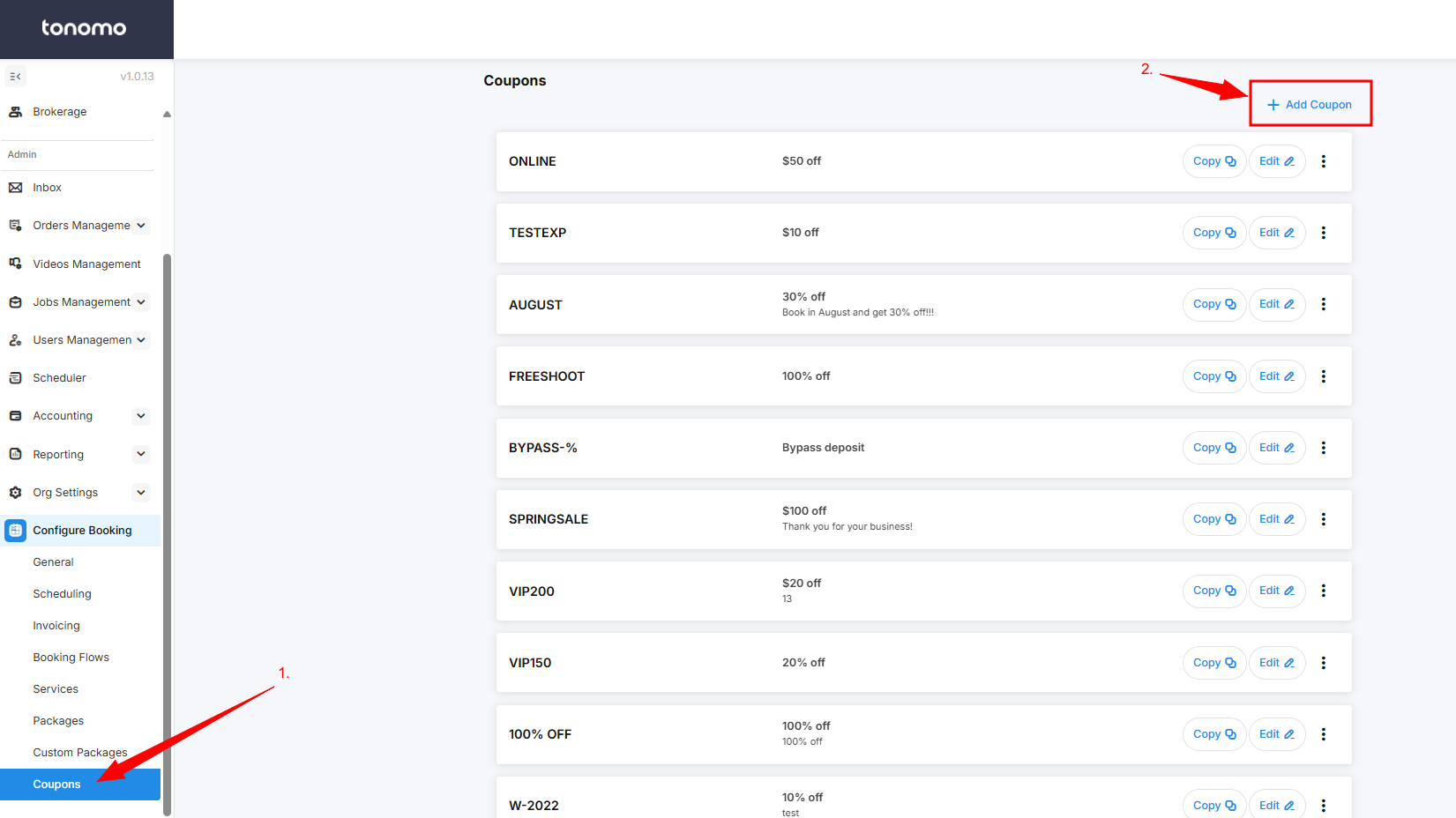
1. Go to **Coupons** under **Configure Booking**.
2. Click on **"+ Add Coupon"** located at the upper right of the webpage.
3. In this section, you can edit the coupon code, type, amount, description, and usage limits.
{% hint style="info" %}
If the "Bypass Deposit" option is enabled, it will automatically bypass the deposit requirement when a customer uses the coupon, even if the booking flow requires a deposit.
{% endhint %}